


Here’s a practical guide to your Instagram profile photo.
Lots of advice and suggestions are on the program, including:
- how to choose the right photo
- profile photo ideas that stand out from the crowd
- a list of applications to easily edit your photo
- the right format and size to choose
- and much more
So, if you want to have a great account with a stylish Instagram profile picture, you are at the right place.
Here we are.
10 tips for choosing your Instagram profile photo
Best practices for a photo of a person
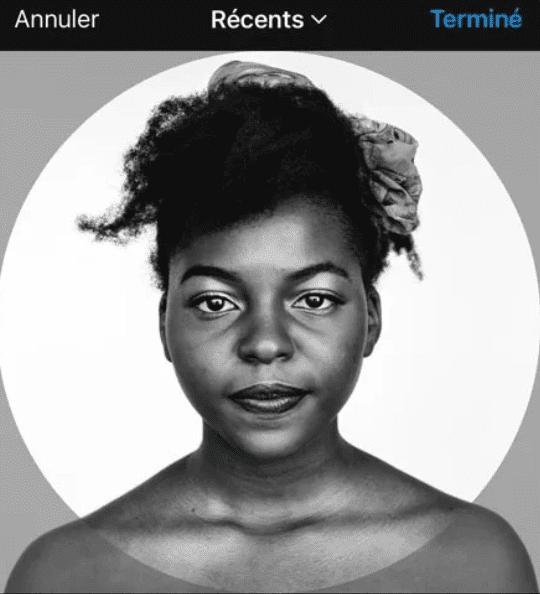
- Choose a photo of a face
➡️ The statistics speak for themselves: Instagram posts that include faces receive 38% more likes than those that don’t (Source).
- Take a photo framing your chest while looking at the camera with your best smile 😊
- Take care of the framing by being well centered.
- Choose portrait format over landscape format
- Remove background from image:
➡️ You can use a free tool like Remove.bg
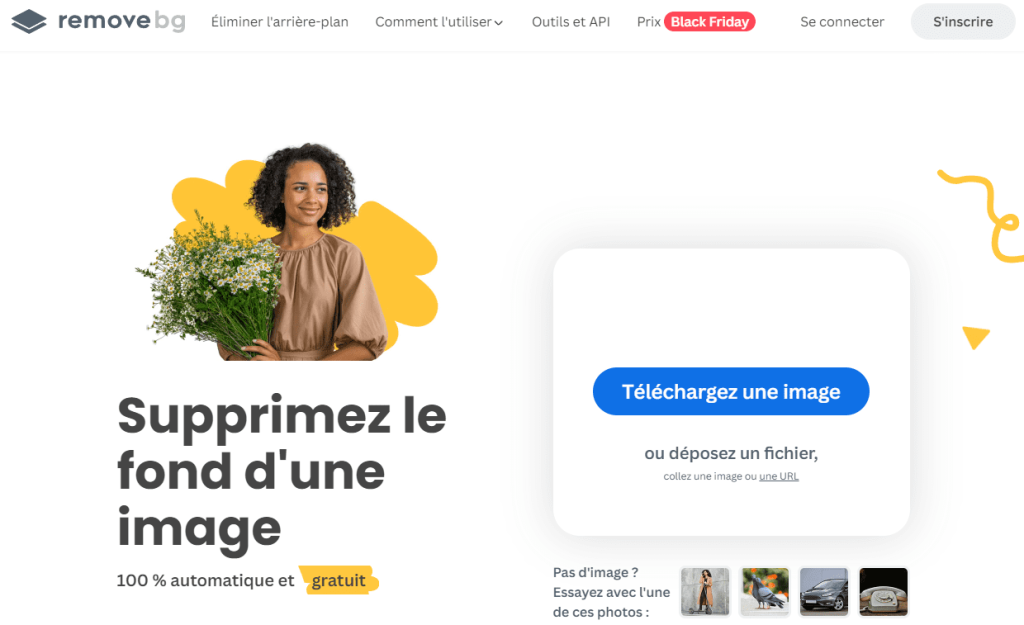
👉 Click on “upload an image”:
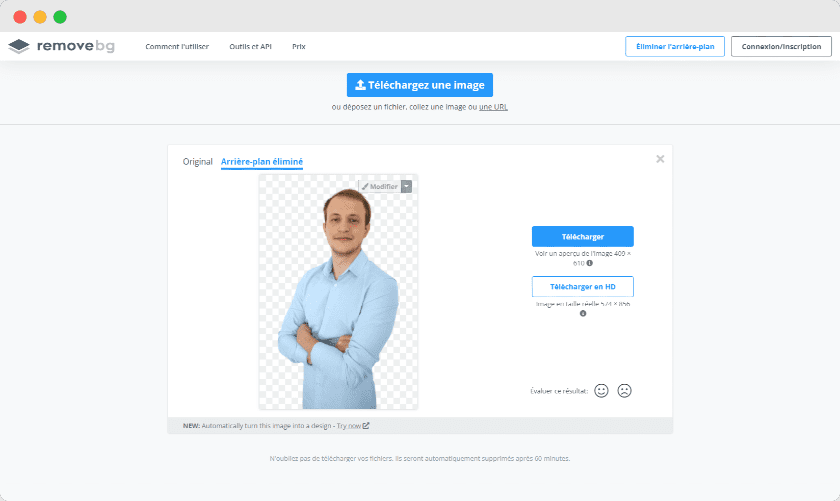
Then upload the processed image.
- Insert a solid color background (grey, blue, green, orange, etc.) in line with your possible graphic paper. You can do it simply with the Canva.fr tool.
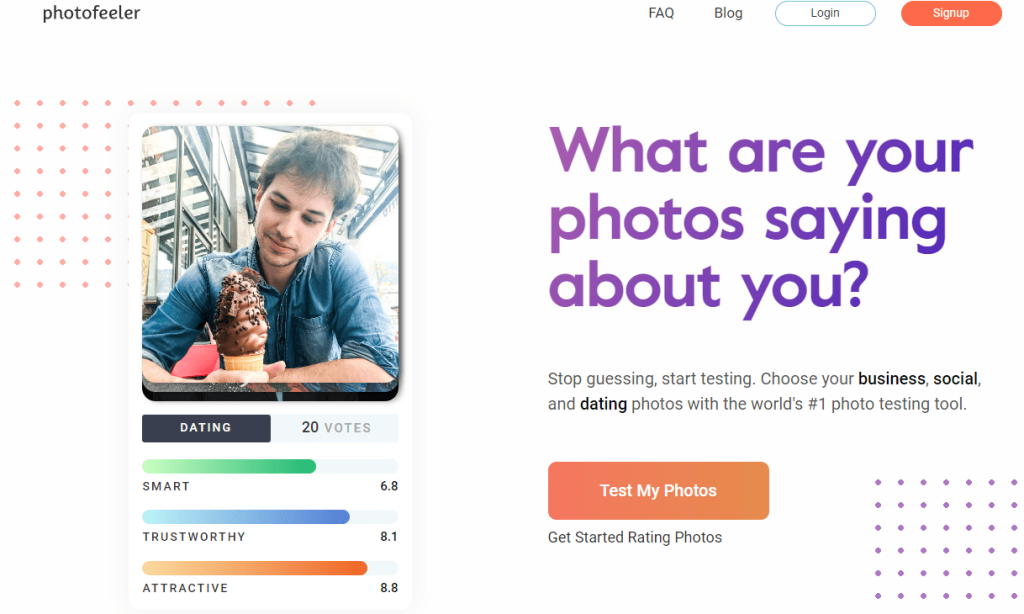
- Ask those around you or your community what they think. The photofeeler.com site also allows you to obtain Internet users’ opinions on photos.
Best practices for a brand
For a company, choose your logo, taking care to leave enough space around it. Here is a good example:

➡️ Prefer a simple background that references your graphic paper

It is also preferable to delete any text to make it more readable.
Discover my tips for a perfect Linkedin profile:

Recommended size for an Instagram profile photo
To display your profile photo correctly and without loss of quality, the recommended format is 512 x 512 pixels.
➡️ To easily get the right size, go to this free cropping tool.
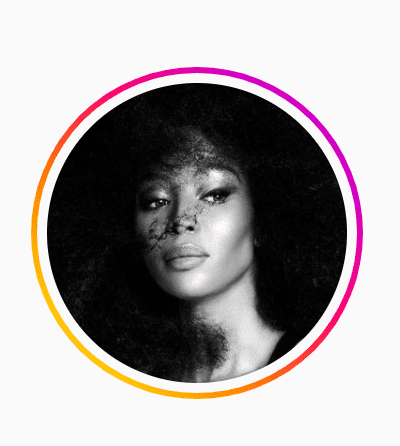
Instagram displays your photo as a circle, so make sure you upload a centered photo to prevent elements from being cut off.
How to add a Stories circle to your Instagram profile photo?

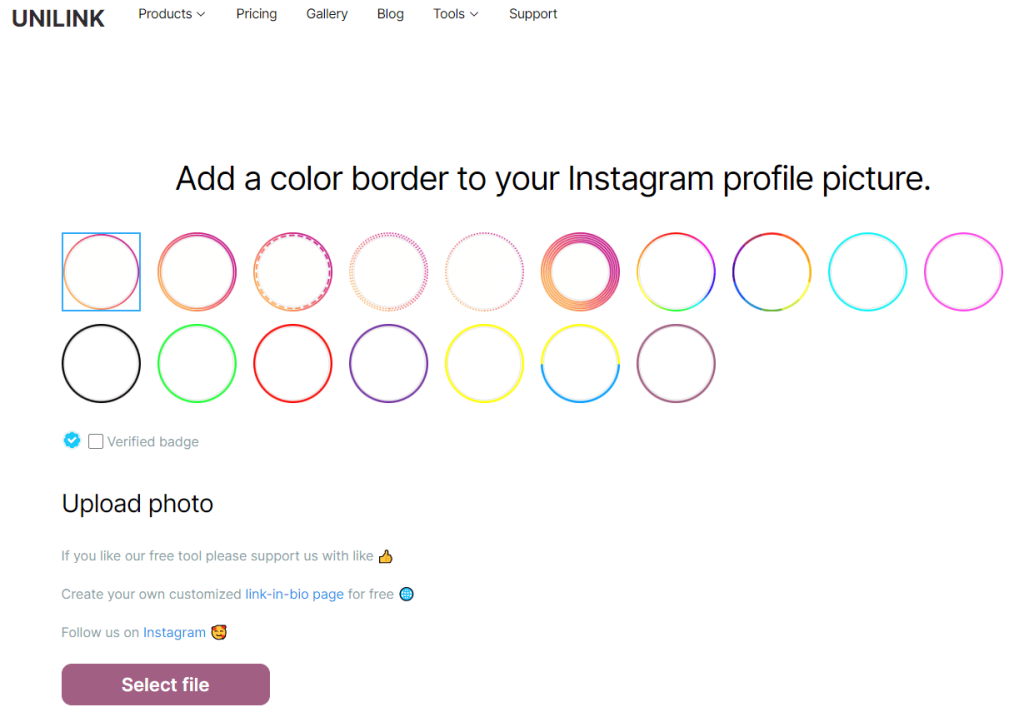
The story circle gives a professional edge to your profile photo and encourages your future followers to visit your account.
➡️ To add this effect to your image, go to the unlink tool:
Ideas for an original Instagram profile photo
Take an original pose
Here is a video that will give you many ideas for an original pose on your profile photo:
Selfies are probably the most popular photos on social media.
Add filters
The Instagram mobile app offers many filters for your images. To add one to your profile photo, you must first publish it.
Clarendon, Gingham, Lark, Reyes, etc. It’s up to you to choose the filter for an elegant photo!

➡️If you want to benefit from more filters, check out the apps listed below.
10 applications to edit and improve your Instagram profile photos
Here is a list of applications available on the App Store and Google Play.
| Application | Description |
|---|---|
| Prism | Photo and image editor. Many filters available. |
| Moldiv | All in one photo editor |
| Canvas | Creation and editing tool suitable for Instagram and also for stories. |
| VSCO | Application to apply filters and presets to your photos. |
| Watermark-watermark | Add watermarks to your videos/photos and more. |
| Airbrush | Edit selfie with filter. |
| Facetune | Retouching and blurring portrait photos. |
| Selfies Microsoft | As the name suggests, this application allows you to take selfies and enhance your face 🙂. |
| Lightroom mobile device | Application created by Adobe to retouch your images. |
| Afterlight | Adding filters and textures to your images. |
How to change a profile photo on Instagram?
To upload your profile photo, go to your Instagram account.
On mobile:
Click on “Edit profile” and then on “Change profile photo”:

You can then upload your profile photo from your Facebook account, your phone, or take the photo directly.
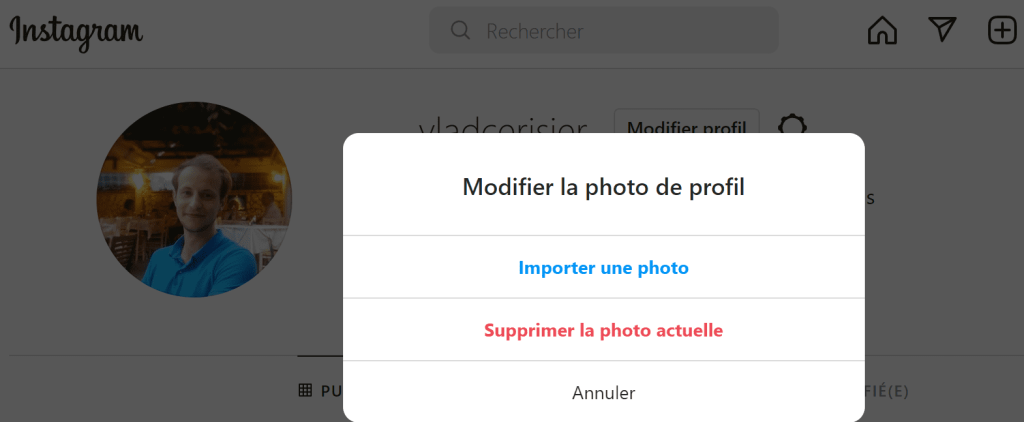
On your computer:
Click directly on your photo then on “Import photo”:
Frequently asked questions about Instagram profile picture
Share if you want ❤️
Latest posts
Traditional vs digital advertising in 2026: which one to choose?

Duplicate Content: A Problem for Your Natural Referencing?

SEO Forums: The Complete List [2026]

How to build a successful linking strategy?

5 tips for successful marketing based on storytelling

Instagram profile photo: the practical guide [+Outils]

Twitter: 7 strategies to stand out

How to increase your awareness using digital?

Why premium domains improve your customer acquisition cost (CAC)