
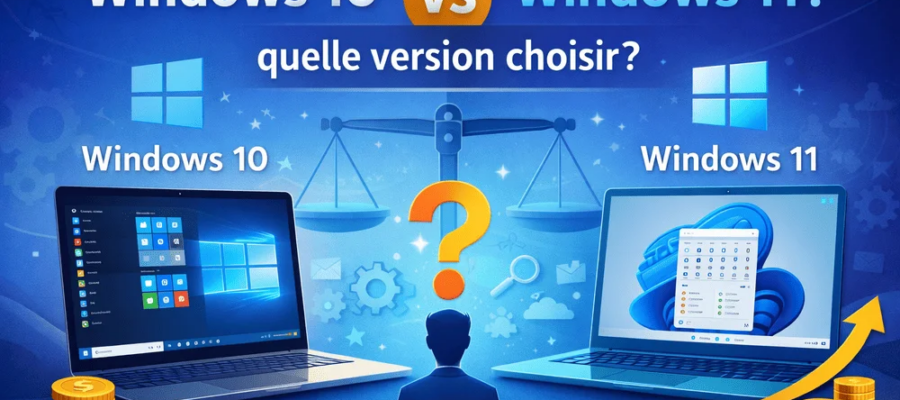
The new features, redesigned design, and more stringent hardware requirements have sped up the migration for some, but have also made many people hesitate.
This is an important choice if you want to be more productive and also work safely. So, should you stay on Windows 10 or upgrade to version 11? User experience, hardware, security, here is all the information to make the best choice.
System requirements and hardware compatibility of Windows 10 and Windows 11

Those considering a migration to Windows 11 quickly find themselves faced with the question of system requirements.
Windows 11 marks a clear break: it requires at least a 64-bit dual-core processor (8th generation Intel Core), 4 GB of RAM and 64 GB of storage space.
The particularly problematic point concerns the TPM 2.0 (Trusted Platform Module), which many older PCs do not have.
👉 In concrete terms, this means that many devices that still work perfectly with Windows 10 are not compatible with Windows 11.
For companies that do not necessarily have the means to change the entire IT equipment, staying on Windows 10 therefore proves economical, as it-nerd24 demonstrates.
Windows 10 is considered undemanding. It even works on older computers and doesn’t require a TPM. Therefore, those who want or need to continue working with existing hardware can save money by extending their use of Windows 10.
Even high-end professional equipment purchased just a few years ago is often incompatible with Windows 11. Investment in new equipment therefore becomes inevitable.
In exchange, Windows 11 offers the advantage of taking full advantage of recent technologies such as DirectStorage or advanced energy efficiency featuresspecially designed for modern equipment.
To benefit from all the new capabilities, the acquisition of new terminals is therefore generally necessary.
Security, support and updates
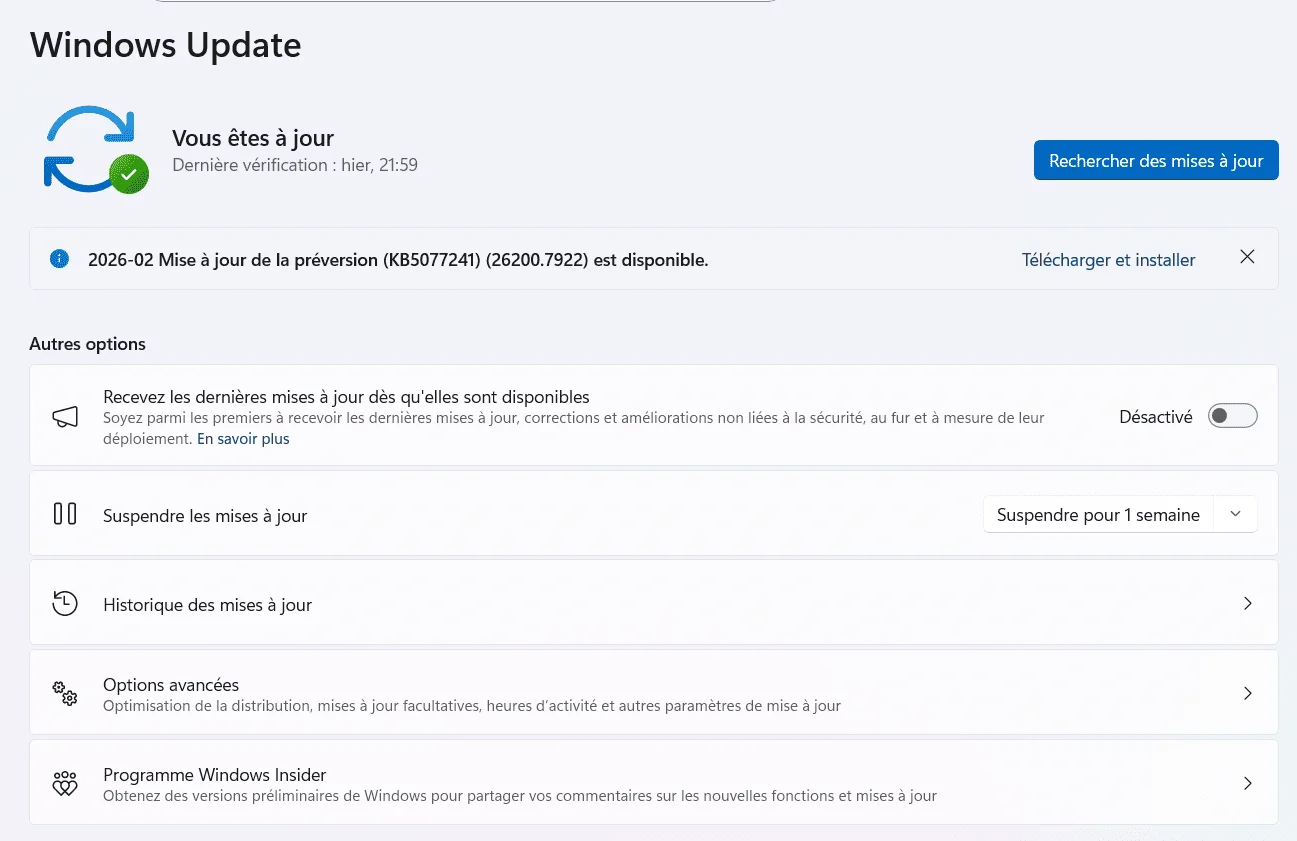
Security considerations are the central issue when choosing between the two versions. Windows 11 is based on a significantly higher security standardthanks to:
- TPM 2.0 mandatory,
- Safe boot,
- To hardware-based isolation mechanisms.
Added to this are enhanced features such as Windows Hello for biometric authentication and Application Guard for protecting sensitive environments.
Windows 11 update policy is more structured: feature updates are bundled and rolled out annually, while security patches remain monthly.
This approach reduces the maintenance burden, but also results in a more spaced rollout of new features. For sensitive infrastructure, however, the benefit lies in early adoption of a more modern ecosystem, especially as cyberattacks increasingly target outdated systems.
User experience, performance and productivity
So, on a day-to-day basis, how do you use Windows 11?
The new version is strong in terms of design: Windows with rounded corners, a centered taskbar, and redesigned context menus offer a more modern and often clearer interface.
Multitasking benefits from features like Snap Layouts and Virtual Desktop, which are especially useful for users working on multiple screens or with complex workflows.
Performance improvements depend on the hardware used.
In recent configurations, Windows 11 offers a smoother interface, reduced power consumption, and better sleep mode management.
If you work with demanding applications, for example in the fields of graphics or data analysis, you will benefit from dedicated optimizations for next-generation processors and graphics cards.
Please note that in some cases there may be compatibility issues, especially with older software or very specialized hardware.
Windows 10 maintains an edge in software compatibility thanks to its larger user base. For creative professionals or gamers, this difference can be significant: Some applications require updates to work properly in Windows 11.
Migration strategies and alternative approaches
The transition from Windows 10 to Windows 11 needs to be seriously planned for businesses.
A detailed inventory phase is essential: what devices and software are used? Which ones meet the new requirements?
IT decision makers recommend it establishment of pilot groups and launch of pilot projects on the selected positions. This allows you to quickly identify and correct problems without interrupting overall operations.
Organizations that cannot or do not want to migrate immediately must at least secure the transitional phase. This involves regular backups, rigorous patch management, and tight access controls.
For large companies, virtualization solutions or cloud-based work environments provide a smooth transition to Windows 11, while enabling compatibility testing of new applications without immediately abandoning existing frameworks.
Users with very old hardware or specialized software should analyze their alternatives: Is a cost-effective hardware upgrade possible? Are there support options for legacy systems? Individualized planning is essential.
Latest posts
Traditional vs digital advertising in 2026: which one to choose?

Duplicate Content: A Problem for Your Natural Referencing?
SEO Forums: The Complete List [2026]
How to build a successful linking strategy?

5 tips for successful marketing based on storytelling

Instagram profile photo: the practical guide [+Outils]

Twitter: 7 strategies to stand out

How to increase your awareness using digital?
Why premium domains improve your customer acquisition cost (CAC)